Saving, resting & common blockers
Distinguish the bed from the campfire bench and diagnose stalled quests, crafts and workers.
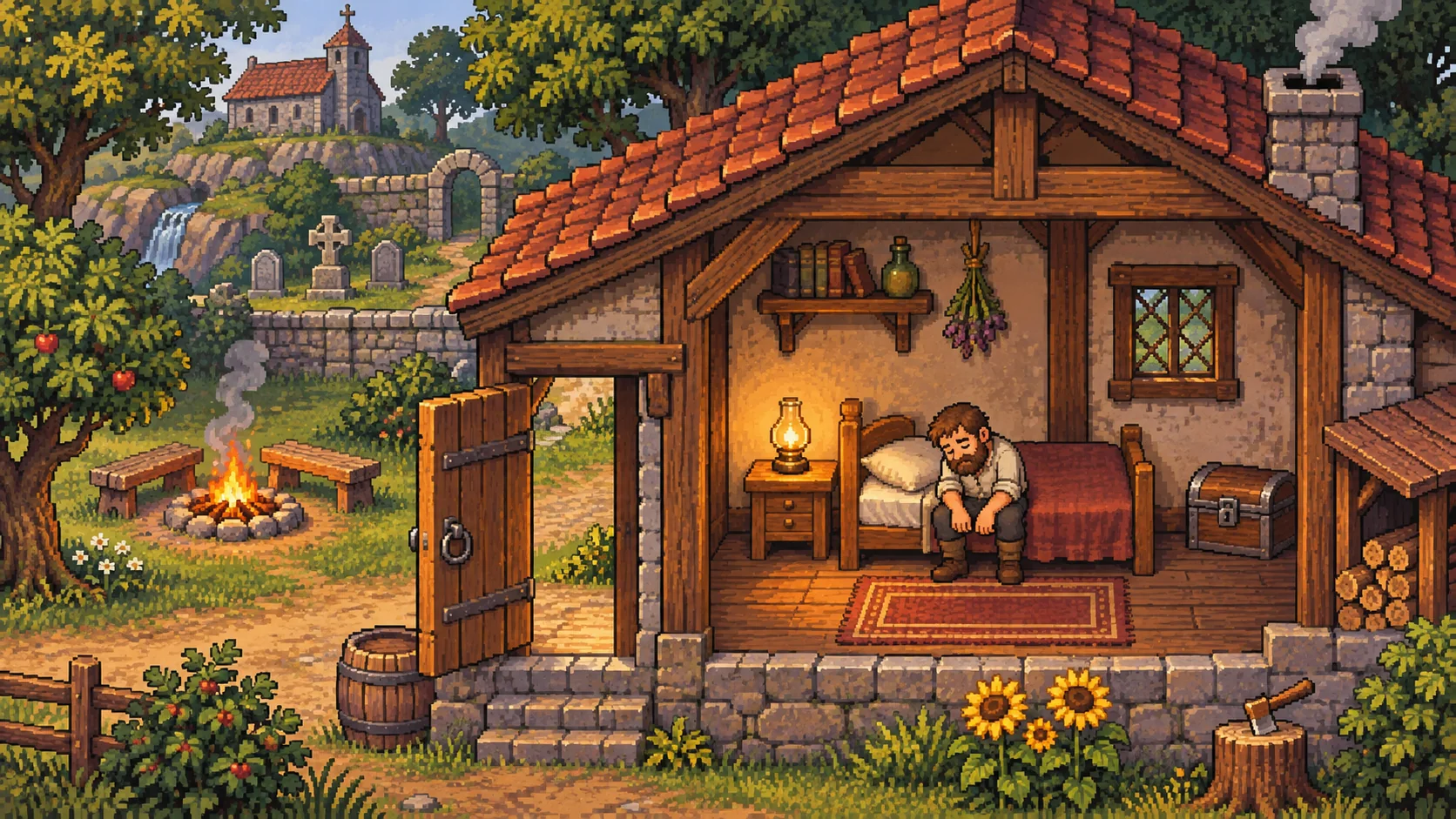
Save at home before leaving
Use the bed at Home and let the sleep finish. Waking saves the game. The bed can refuse ordinary sleep when energy is already full; spend a little energy on work first. Waking at full energy does not necessarily mean it is morning.
The outdoor campfire bench added in 1.012 does not save. It restores energy and passes time, but does not remove insanity or Lack of Sleep. Use the bed when you need a save, even if the bench has already refilled your bar.
Diagnose the blocked action
| Symptom | Check next |
|---|---|
| Bronze Details appear but will not start | Bronze Craft, Smithing 2, and a Hardening Bucket touching the anvil |
| A quest item is ignored | Correct objective and quantity; move the item from toolbar to backpack |
| Garden Bed will not dig | Shovel equipped and Farming 2 |
| A recipe is unlocked but greyed out | Mastery, extension, exact ingredients and local fuel supply |
| Work stops despite some energy remaining | Available energy per swing, insanity and the job’s requirements |
| A zombie pauses at a finished job | Output collection, supply requests, worker mastery and access |
See crafting and automation for the full checks rather than repeatedly rebuilding stations.
Energy and insanity are separate
Insanity reduces your maximum energy. An ordinary sleep restores energy but does not normally lower insanity. Sleeping off Lack of Sleep has a different effect. Check the debuff and item descriptions before assuming another meal will solve the problem.
Check the installed patch
Update before diagnosing a known progression fault. Recent fixes include Jack’s missing boat-stage appearance in 1.010, the Resurrection Room gate and planting issues in 1.011, and several queue, supplier and NPC problems in 1.012.
If a problem remains, record the active quest, the exact dialogue or recipe, your version, and any enabled mods. Keep a backup before changing mods or experimenting with a save. Updates and coverage separates the current patch corrections from the opening reference data used by this wiki.
Related entries
RelatedHomeRelatedCrafting, mastery & the first workshopRelatedZombie workers, suppliers & automationRelatedGraveyard Keeper 2 updates & coverageSources & verification
- Community game-data reference: mechanics/energy ↗
Selected opening-game facts, paraphrased and checked against the linked item, quest or system record. Not an in-game test.
Checked - Community game-data reference: mechanics/mastery ↗
Selected opening-game facts, paraphrased and checked against the linked item, quest or system record. Not an in-game test.
Checked - Community game-data reference: mechanics/quests ↗
Selected opening-game facts, paraphrased and checked against the linked item, quest or system record. Not an in-game test.
Checked - Developer Steam announcement ↗
Developer patch changes; supersede older community mechanics where they conflict.
Checked - Developer Steam announcement ↗
Developer patch changes; supersede older community mechanics where they conflict.
Checked - Developer Steam announcement ↗
Developer patch changes; supersede older community mechanics where they conflict.
Checked